Data Table for Unity
A downloadable asset pack
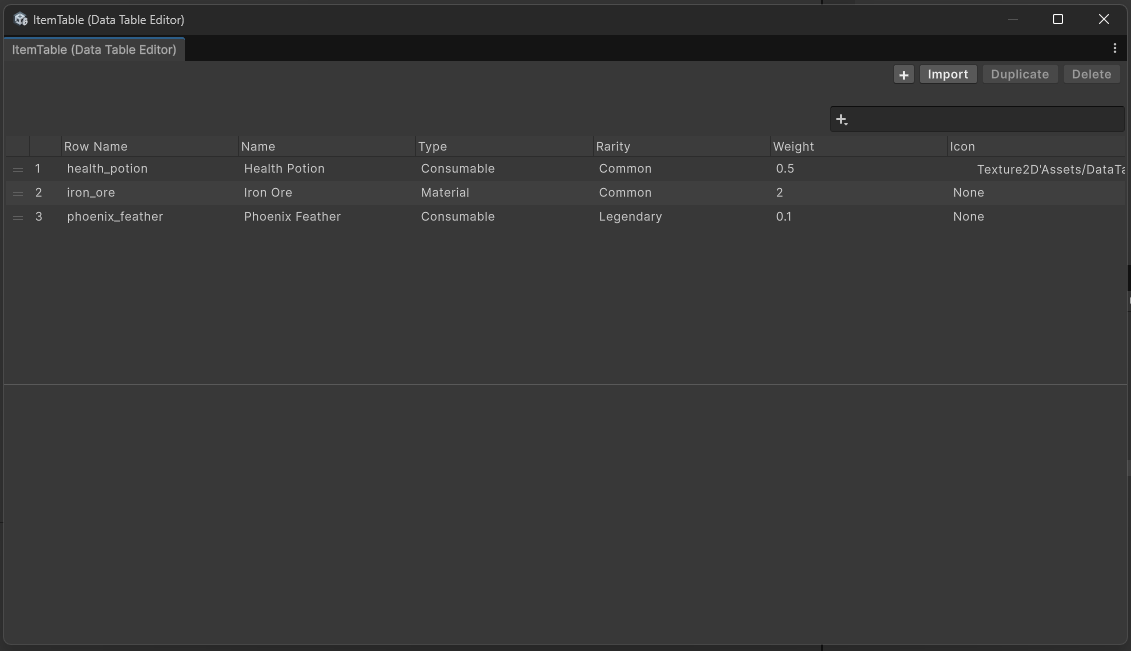
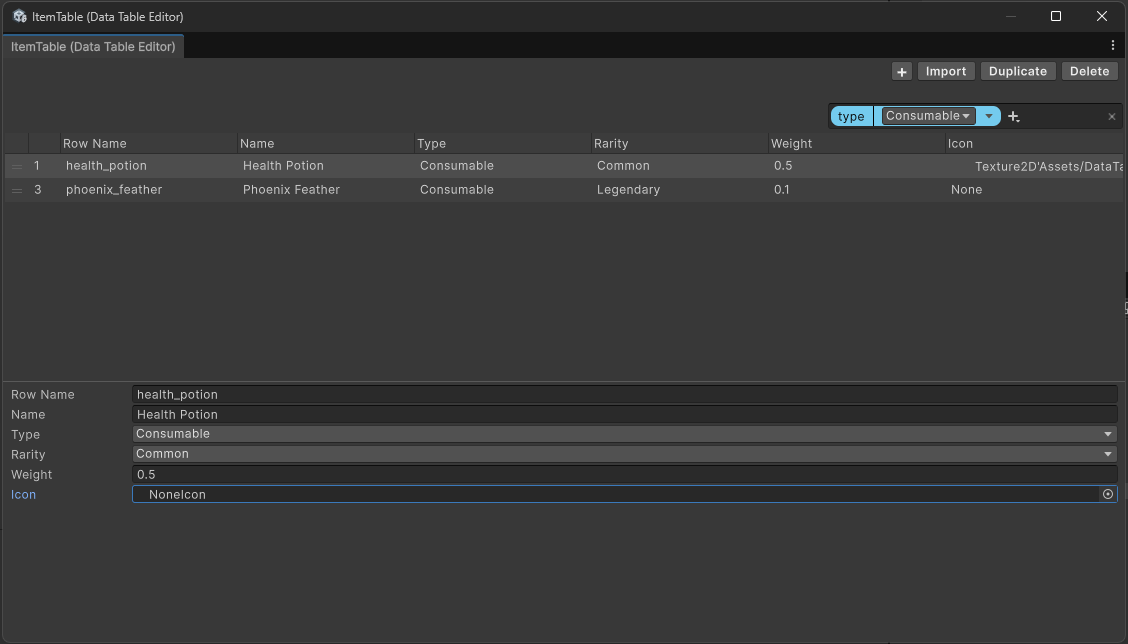
Data Table for Unity is a simple editor tool that allows you manage structured data directly within Unity, inspired by Unreal Engine's Data Table.
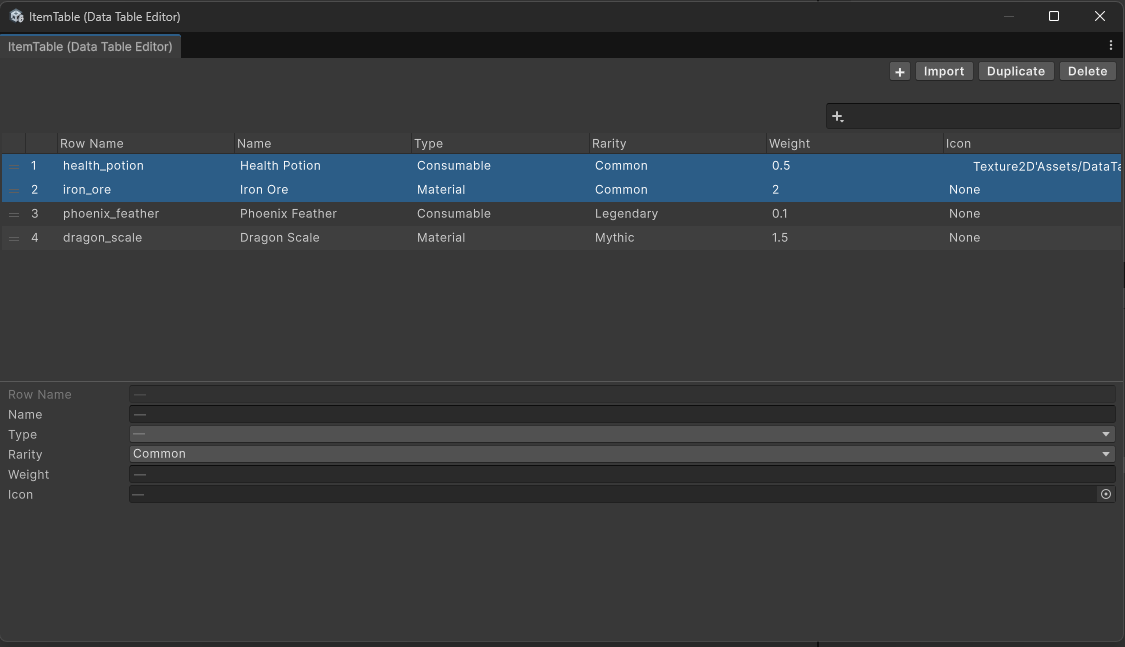
You can create, edit, duplicate, and delete rows of data without leaving the editor. It's great for organizing game data like stats, drop table and more.
Key Features
- Data Import/Export: Seamlessly import or export data to CSV/JSON files.
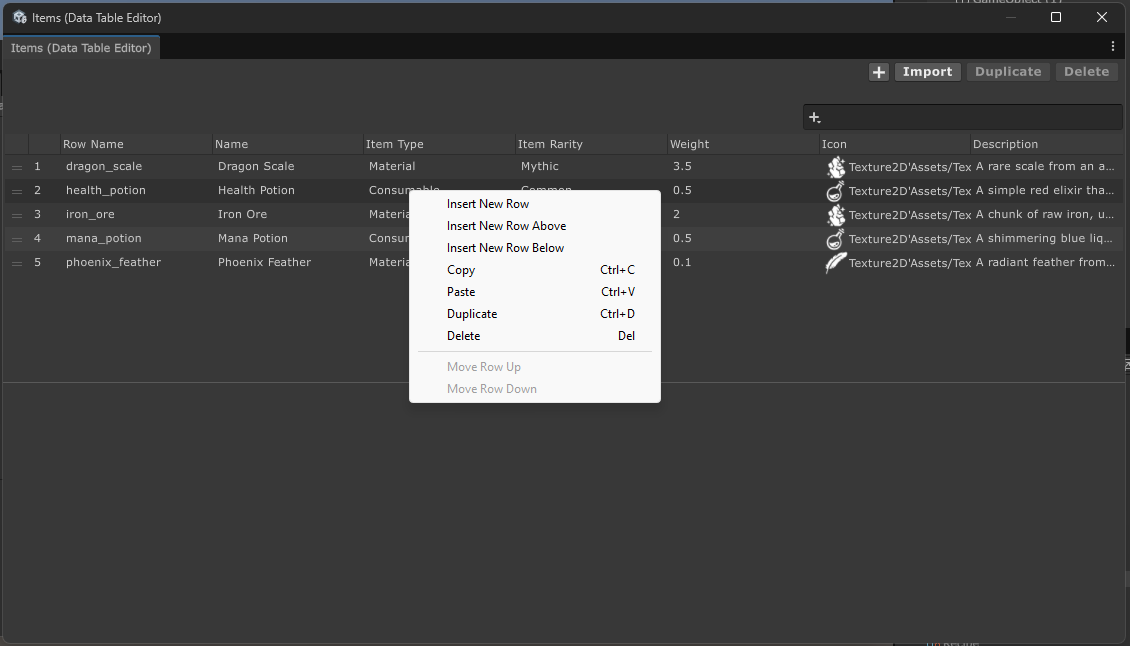
- Multi-selection support: Edit, duplicate, copy & paste multiple rows at once
- Undo Support: Fully integrated with Unity's Undo system, allowing you to Isafely revert edits, insert or delete with Ctrl + Z
- Search & Filter: Quickly find rows by matching values in specific fields for faster data lookup.
- Keyboard Shortcut: Improve your workflow with familiar hotkeys: Ctrl + C, Ctrl + V, Ctrl + D, Delete, Ctrl + A.
Original Unity Version: 6000.0.58
Require Package: com.unity.nuget.newtonsoft-json version 3.2.1
Supported Types
- string
- int
- uint
- long
- ulong
- float
- double
- Vector2/3/4
- Vector2Int/Vector3Int
- Rect
- RectInt
- Bounds
- BoundsInt
- Gradient
- Color
- AnimationCurve
- UnityEngine.Objects (e.g. GameObject, ScriptableObject, Material, Texture, Texture2D, Sprite, etc.)
SubclassOf<T>- wrapper for SerializeReference whichTshould be either class, abstract class or interfaceList<T>- supports what is listed- Array - supports what is listed
- Map<K, V> - own serialized dictionary
- Key type - require to implement
IEquatable<T>, and non-nullable excluding string - Value type - supports all listed types
- Key type - require to implement
Note:Map<K, V>fields, Key changes only will apply if it doesn't exist to the selected objects otherwise it will skip the selected object.
String-based searching (e.g. icon=Texture2D'Assets/DataTables/Examples/Textures/feather.png', Texture2D'Assets/DataTables/Examples/Textures/feather.png') and other csv format is supported in editor window
Schema
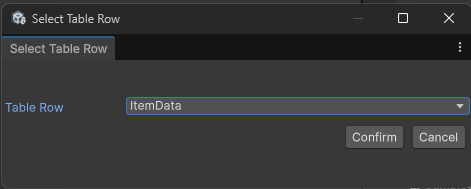
Asset > Create > Scripting > Data Table > Table Row
using BlindGoose.DataTable
[System.Serializable]
public class ItemData : TableRow
{
    public string displayName;
    [Multiline]
    public string description;
    public ItemType itemType;
    public ItemRarity itemRarity;
    [SerializeField] private Texture2D icon;
}
Get
ItemData item = dataTable.Get<ItemData>("health_potion");
or
TableRow item = dataTable.Get("health_potion");
AddRow
dataTable.AddRow("health_potion", new ItemData {
    displayName = "Health Potion",
    description = "",
    itemType = ItemType.Consumable,
    itemRarity = ItemRarity.Common,
    icon = null,
});
TryAddRow
bool hasAdded = dataTable.TryAddRow("health_potion", new ItemData {
    displayName = "Health Potion",
    description = "",
    itemType = ItemType.Consumable,
    itemRarity = ItemRarity.Common,
    icon = null
});
RemoveRow
bool hasBeenRemoved = dataTable.RemoveRow("health_potion");
FindRows
IEnumarable<TableRow> items = dataTable.FindRows(row => {
    ItemData item = row as ItemData;
    return item.itemType == ItemType.Consumable;
});
or
IEnumarable<ItemData> items = dataTable.FindRows<ItemData>(item => {
     return item.itemType == ItemType.Consumable;
});
Download
Click download now to get access to the following files:
Development log
- Data Table 0.1221 hours ago
- Data Table 0.1142 days ago
- Data Table 0.1 Update76 days ago
Comments
Log in with itch.io to leave a comment.
Hi! Really sorry to bother you, I liked this addon very much! But unfortunately the game crashes in build with this. Maybe I need to check something in settings? Thank you very much in advance!!!
Oh, sorry about that but i havent tested it building with it, thank you for bringing that up. Can i ask for the logs for what happens when you try build it or what did you try to do that causes it to crashes?
So, I found out why, its my fault. I made a field for sprite but left one column without adding a sprite resulting in a null reference :''''((
To clarify I added a sprite but the one from the unity default ones for testing